Setup Security Authentication
Add HTTP Basic Auth to your application's public URL for an extra security layer — no code changes required.
Dokploy's Basic Auth feature lets you add HTTP username/password authentication to your application's public URL, providing an extra security layer without any code changes.
Basic Auth adds an HTTP authentication prompt in front of your app's public URL. All visitors will be required to enter the configured credentials before accessing the application.
Steps
Step 1 — Open the Advanced Tab
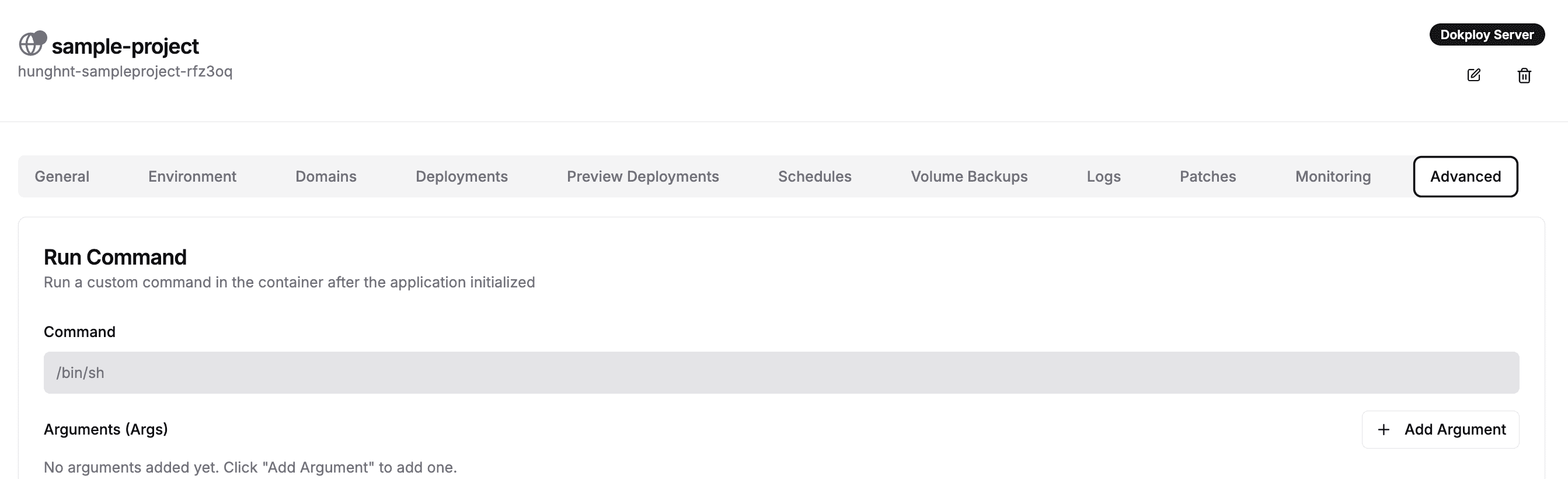
In your Dokploy dashboard, open your application and click the Advanced tab in the top navigation bar.
Step 2 — Locate the Security Section
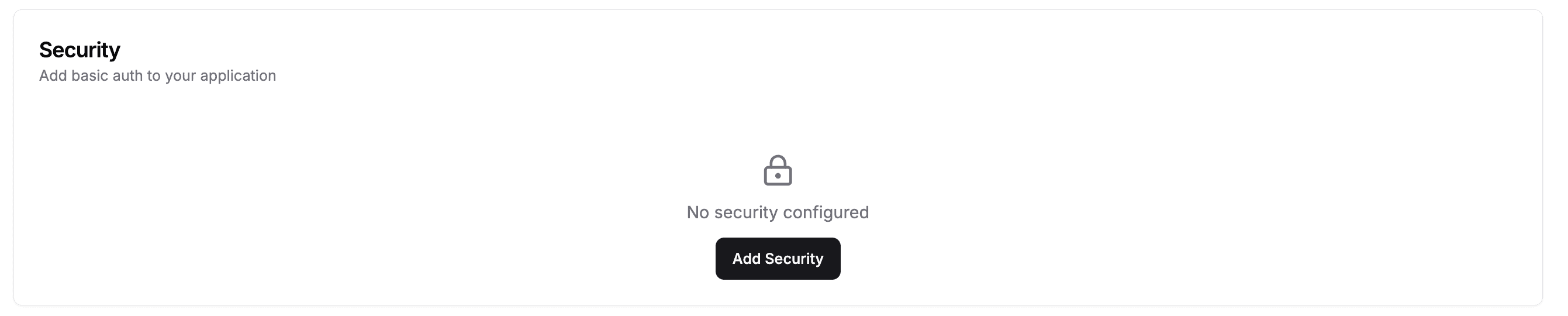
Scroll down to the Security section. You will see "No security configured" with an Add Security button. Click it to open the configuration dialog.
Step 3 — Fill in Credentials and Create
Enter your desired Username and Password in the form fields, then click Create.
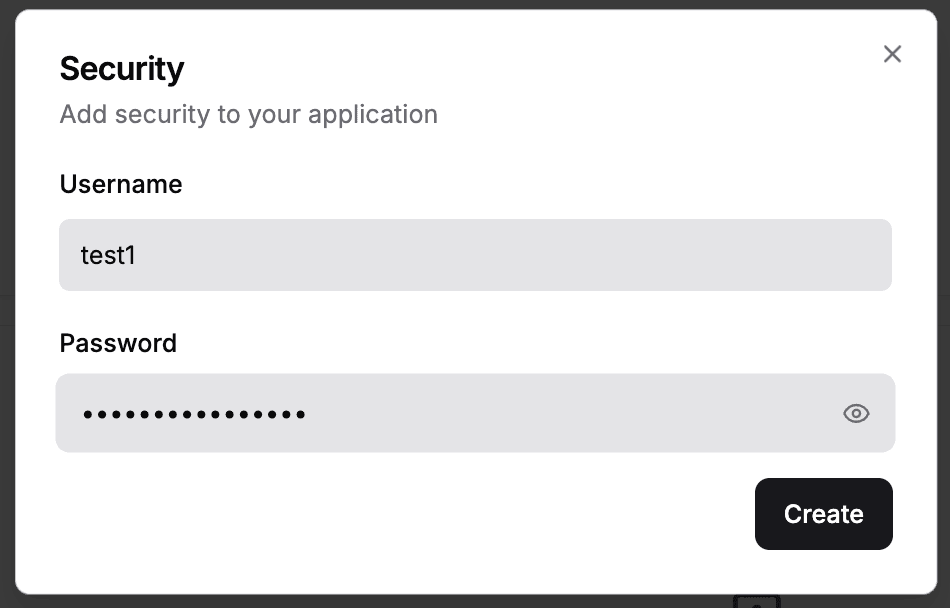
Basic Auth will be immediately active on your application's public URL.
Store your credentials securely. Anyone accessing your app's public URL will be prompted to enter these credentials.